







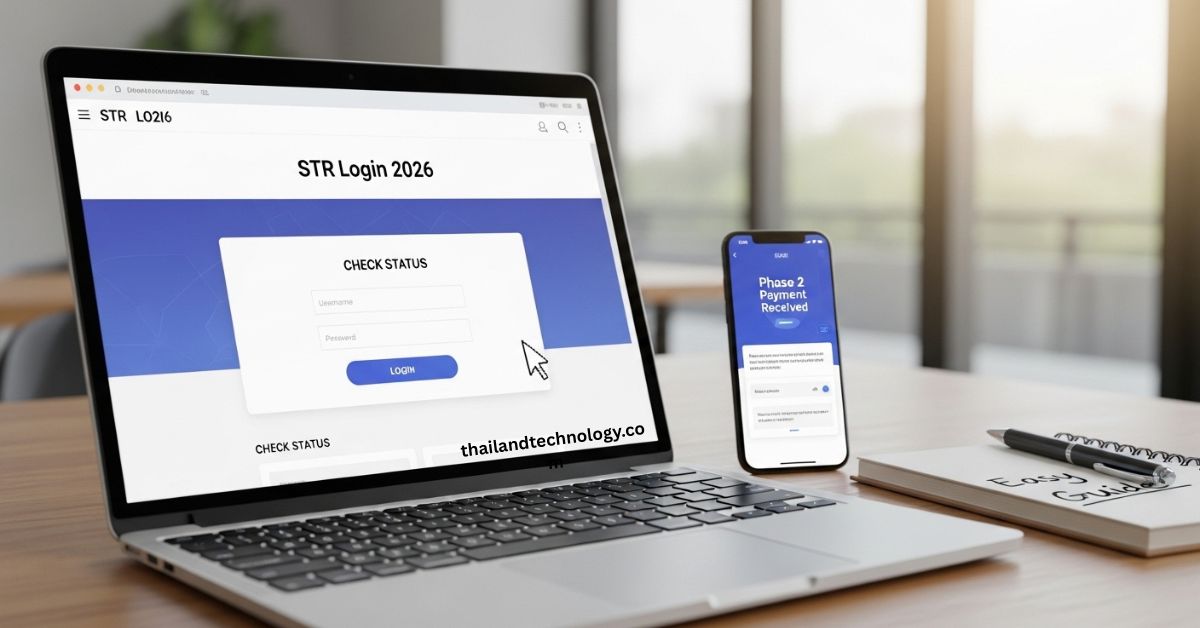
Hey there. If you need to check your Sumbangan Tunai Rahmah (STR) money for 2026, the first thing you do is STR login. It takes just a few minutes on your phone or computer. Once you log in, you can see if you qualify, how much cash is coming, and when it hits your bank.
This guide walks you through everything in plain words. I keep it short and clear so you can follow along even if you are not tech-savvy. By the end, you will know exactly what to do. Let’s get started.
What is STR and Why Log In?
STR is cash help from the Malaysian government. It goes to families with low or middle income, seniors, people with disabilities, and single parents who need extra support for daily costs like food, school, and bills.
In 2026 the program has four payment phases spread across the year. You must log into the MySTR portal to:
- Check if you qualify
- See your exact payment amount
- Find out the payment date
- Update your bank details or address
Without STR login you stay in the dark. Logging in lets you act fast and get your money on time.
Big Changes in STR 2026 You Need to Know
This year brought some updates. Single adults aged 21 to 59 no longer qualify for the main STR payment. They may get help through the separate SARA program instead.
Households with monthly income RM5,000 or less can still apply. The government pays in phases so everyone gets help at different times. Phase 1 payments already went out in January. Phase 2 started in March 2026 and is rolling out right now in April.
Knowing these changes helps you understand what you see after you log in.
How to Do STR Login in 3 Easy Steps?
You need your 12-digit MyKad number and your MySTR password. If you do not have a password yet, I cover that in the next section. Here is the simple way:
- Open your browser and go to the official STR site (the one run by LHDN).
- Type your MyKad number in the box and click the check button.
- Enter your password and any security question they ask. Then click “Log Masuk”.
That is it. You are inside. The whole thing takes less than one minute if you have your details ready.
First Time User? How to Register a New MySTR Account
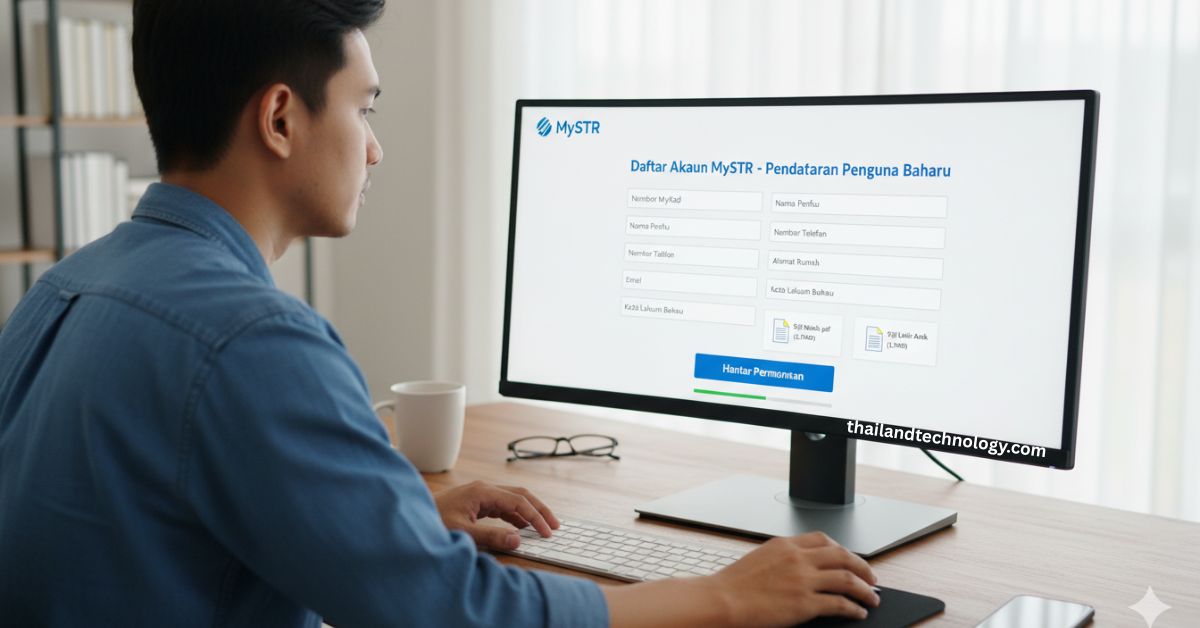
Many people need to create an account in 2026. Do this before you can log in:
- Visit the official page.
- Click the “Daftar Akaun MySTR” or “Register” button.
- Enter your MyKad number.
- Fill in your full name, phone number, email, and home address.
- Choose a strong password you will remember.
- Upload clear photos of your documents (marriage certificate, birth certificates for kids, or bank statement – keep each file under 3MB).
After you submit, they check your info. Once approved, you can log in right away. Keep your reference number safe.
Forgot Your Password? Reset It in Minutes
It happens to everyone. Here is the fix:
- On the login page, click “Terlupa Kata Laluan” (Forgot Password).
- Enter your MyKad number.
- Answer the security question you set earlier.
- They send a reset link to your email or phone.
- Create a new password.
Do this on a safe device. Never share your new password with anyone.
Read: Ingredients in Qoghundos: Full List, Health Facts & Easy Tips 2026
Common STR Login Problems and How to Fix Them
Here are the issues I see most often and the quick fixes:
- “Wrong password” – Try the reset steps above. Make sure Caps Lock is off.
- Security key does not match – Type the exact words shown on screen.
- Page will not load – Use a different browser like Chrome or clear your cache.
- Account locked after too many tries – Wait 30 minutes and try again.
- MyKad number not found – Double-check the 12 digits. Call LHDN help if it still fails.
If nothing works, try on your phone instead of computer. Most people fix it this way.
What You See After STR Login: Your Dashboard Explained?
After you log in you land on your personal dashboard. It shows:
- Your name and MyKad number
- Current status (approved, pending, or need more info)
- Payment phase and amount
- Bank account linked for the cash
- Next payment date
Everything is in one clean screen. You can click tabs to update your info or check past payments.
How to Check Your STR Eligibility and Payment Amount?
Inside the dashboard, click “Semak Kelayakan” or “Check Status”. The system tells you right away if you qualify and how much you get.
Here is a simple table of 2026 amounts for households:
| Household Monthly Income | No Children | 1-2 Children | 3-4 Children | 5+ Children |
|---|---|---|---|---|
| RM2,500 or less | RM200 | RM300 | RM400 | RM500 |
| RM2,501 – RM5,000 | RM100 | RM100 | RM150 | RM200 |
Senior citizens living alone get RM150. People with disabilities or single parents may get extra through SARA (RM100). The exact number depends on your family size and income proof.
STR Payment Schedule for 2026 – All Phases
The government spreads payments so the system does not get overloaded. Here is the clear schedule:
- Phase 1: Started 20 January 2026 (already paid)
- Phase 2: Started 10 March 2026 for existing receivers; 30 March 2026 for new applications (happening now in April)
- Phase 3: Expected July or August 2026
- Phase 4: Expected October or November 2026
After you log in, the dashboard shows your exact date and phase.
How Much Money Will You Get? Full Breakdown by Category?
Different groups get different help:
- Families with kids: Up to RM500 if income is very low.
- Senior citizens (warga emas): RM150 if single, more if they have dependents.
- People with disabilities (OKU): Extra support via SARA.
- Single parents: Higher amounts based on children.
Log in to see your personal number. It is calculated automatically from the info you gave.
Payment Methods – Bank or Cash Pickup
You have two easy ways to get the money:
- Bank credit: Cash goes straight to your linked account. Look for “Kredit STR 2026” in your bank app.
- Cash at BSN: If you have no bank account, take your MyKad to any Bank Simpanan Nasional branch. Sign the receipt and collect your cash.
Make sure your bank details are up to date in the portal.
What If Your Payment Is Late or Fails?
Sometimes the bank transfer bounces back. If that happens:
- Log in and update your bank account.
- Wait 1-2 weeks for them to try again.
- If you still see no money, check the dashboard for messages or file an appeal.
Appeals for Phase 2 run from 12 January to 13 February 2026. Do it early.
Tips to Keep Your STR Account Safe from Scams
Scammers send fake messages saying “Your STR is ready – click here.” Never click unknown links.
Real tips:
- Only use the official LHDN site.
- Never share your MyKad or password.
- Log out after you finish.
- Use MyDigital ID if you want extra security – it links your phone for faster and safer login.
Stay safe and your money stays yours.
Mobile-Friendly STR Login – Do It on Your Phone
Most people now use their phone. The site works great on mobile. Just open your browser, type the official address, and follow the same three steps. The screen is smaller but all buttons are there. No special app needed.
After Login – How to Update Your Info or Make an Appeal
Life changes. You can update your:
- Home address
- Bank account
- Marriage status
- Number of children
Go to the “Kemas Kini” section inside the dashboard. For appeals, click the appeal button and upload new proof. It is all online.
STR FAQs
Q: Do I need to log in every month? A: No. Just check once or twice a year or when a new phase starts.
Q: What if I never received any STR before? A: You can still register a new account and apply as a new user.
Q: Can I log in for my parents? A: Only if they give you permission and you have their details. Better if they do it themselves.
Q: Is there a phone number to call for help? A: Yes – check the official site footer for LHDN contact numbers after you log in.
Q: My payment is small this year. Why? A: Amounts depend on your income and family size. Log in to see the exact reason.
Q: Can foreigners get STR? A: No. You need to be a Malaysian citizen with a valid MyKad.
Q: What happens if I move house? A: Update your address right after you log in so payments do not get delayed.