








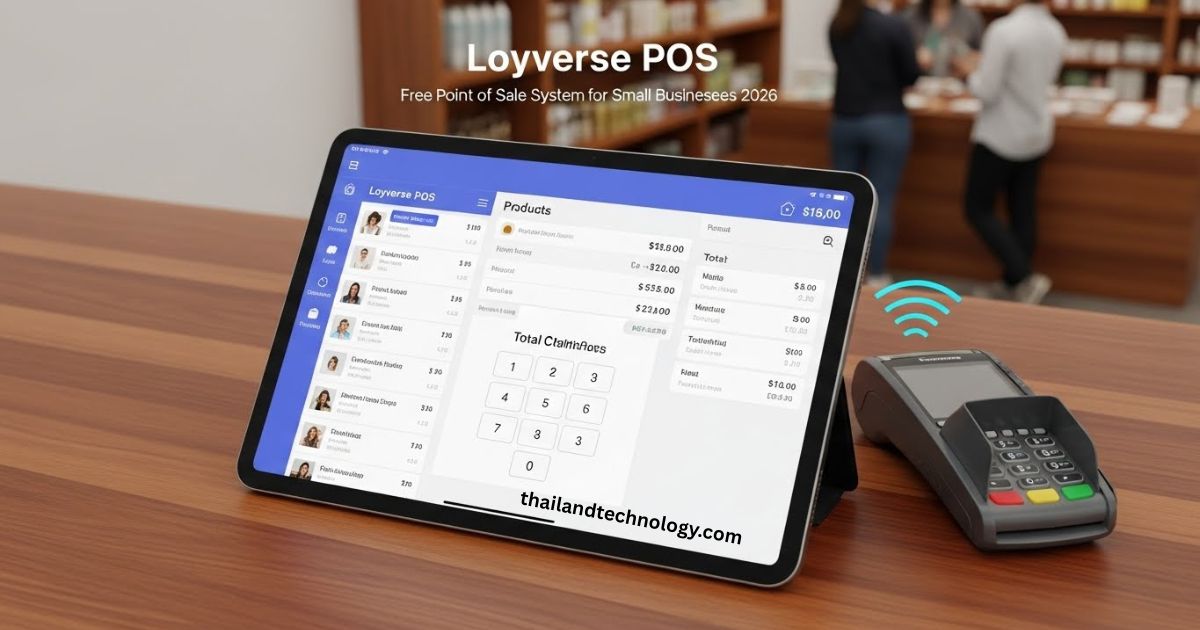
Hey there! If you run a small shop, cafe, or service spot, you need a simple way to handle sales. That’s where Loyverse comes in. We love how it turns your phone or tablet into a full sales system. No big costs. Just quick setup and real help for your daily work. In this guide, we’ll show you what Loyverse does, why it’s great, and how to use it. We’ll even compare it to other options so you can pick what’s best for you.
What Makes Loyverse Stand Out for Small Businesses
Loyverse helps over a million businesses in 170 countries. It works in more than 30 languages. You get tools for sales, stock, staff, and more. All in one free app. We think it’s perfect if you want to grow without spending a lot.
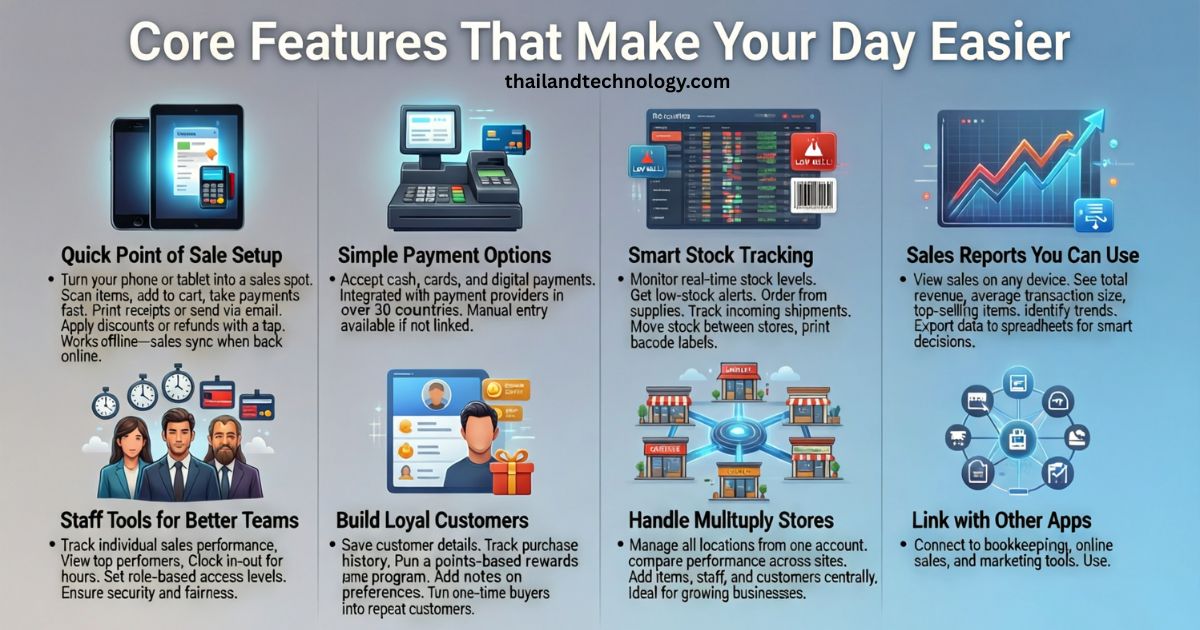
Core Features That Make Your Day Easier
Loyverse packs a lot into its free plan. Let’s break down the main parts.
Quick Point of Sale Setup
Turn your phone or tablet into a sales spot. Scan items, add them to the cart, and take payments fast. Print receipts or send them by email. Give discounts or refunds with a tap. It even works offline – sales save and sync when you’re back online.
Simple Payment Options
Take cash, cards, or other ways. It links with payment firms in over 30 countries. This cuts errors and saves time. If your payment firm isn’t linked, you can still use it.
Smart Stock Tracking
See your stock levels right away. Get alerts when items run low. Order from suppliers and track what comes in. Move stock between stores if you have more than one. Print labels for barcodes too.
Sales Reports You Can Use
Check your sales on any device. See total money in, average sale size, and top items. Spot trends and export data to sheets. This helps you make smart choices fast.
Staff Tools for Better Teams
Track who sells what. See top workers. Clock in and out to count hours. Set access levels so staff see only what they need. This keeps things safe and fair.
Build Loyal Customers
Save customer info and see what they buy. Run a points program to reward them. Add notes on what they like. Turn one-time buyers into regulars.
Handle Multiple Stores
Run all your spots from one account. Compare how each does. Add items, staff, and customers across locations. Great for growing your business.
Link with Other Apps
Connect to tools for books, online sales, or marketing. Use their API for custom links. Check their app store for easy adds.
Loyverse Products: Pick What Fits
Loyverse offers free tools that work together.
- POS App: Main sales tool on your mobile.
- Back Office: Web spot to manage items and reports.
- Dashboard: Quick view of sales and stock on your phone.
- Kitchen Display: Shows orders in the kitchen for food spots.
- Customer Display: Lets buyers see their total and pay.
Who Should Use Loyverse
It fits many business types. Here’s a quick list:
- Food and Drink: Cafes, fast food, bars, bakeries.
- Retail: Grocery, clothes, jewelry, small shops.
- Services: Salons, car washes, hotels, rentals.
If you’re small and need mobile sales, it’s a top pick.
Loyverse Pricing: Is It Really Free
Yes, the core app is free forever. You can sell, track stock, and run reports without paying. But for extras, there are low-cost adds.
Here’s a simple table of plans:
| Feature | Free Plan | Paid Add-Ons |
|---|---|---|
| Basic POS and Sales | Yes | – |
| Basic Stock Track | Yes | Advanced Inventory: $25/month per store |
| Staff Basics | Yes | Employee Management: $5/month per employee |
| Links to Apps | Basic | Integrations: $9/month per store |
| Sales History | Limited | Unlimited: $5/month per store |
No long contracts. Try paid parts for 14 days free. We like how it stays cheap for small teams.
How Loyverse Compares to Other POS Systems
Many options exist, but Loyverse shines for free basics. Let’s compare it to big names.
Here’s a quick table:
| System | Free Option | Best For | Cost Example | Key Difference |
|---|---|---|---|---|
| Loyverse | Yes, core features | Small shops, mobile use | Add-ons from $5/month | Simple, no card fees built-in |
| Square | Free app, but fees on cards | Any small business | 2.6% + 10¢ per swipe | More hardware options, but charges per sale |
| Lightspeed | No free plan | Bigger retail | Starts at $69/month | Advanced reports, but pricier |
| Toast | No free | Restaurants | Starts at $69/month + hardware | Food-focused tools, but setup costs more |
Loyverse wins for beginners who want no upfront fees. If you need fancy restaurant tools, try Toast. For retail growth, Lightspeed adds more. But for easy start, we pick Loyverse.
Step-by-Step Guide to Start with Loyverse
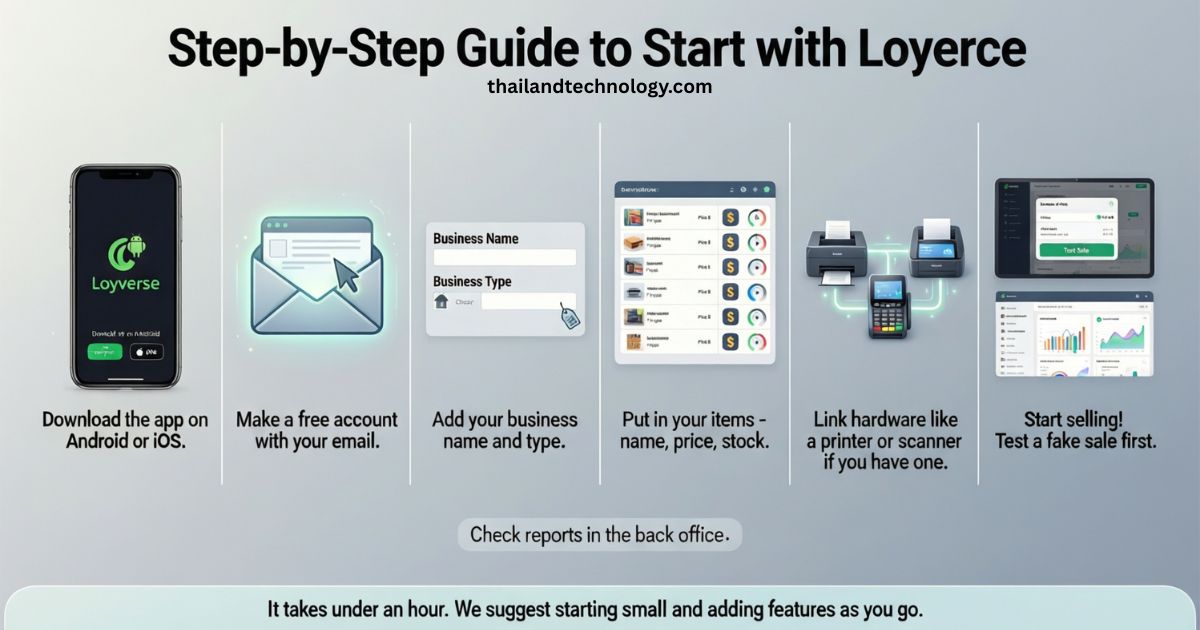
Ready to try? Here’s how in simple steps.
- Download the app on Android or iOS.
- Make a free account with your email.
- Add your business name and type.
- Put in your items – name, price, stock.
- Link hardware like a printer or scanner if you have one.
- Start selling! Test a fake sale first.
- Check reports in the back office.
It takes under an hour. We suggest starting small and adding features as you go.
Read: Fix DNS_PROBE_FINISHED_NXDOMAIN: Simple Steps for Windows, Mac, and Phones
Real Tips from Users to Get More from Loyverse
Users love its ease. “It’s simple and saves time,” says one cafe owner. Ratings hit 4.6 out of 5 on sites like Capterra.
Pros:
- Free to start.
- Works offline.
- Good for phones.
Cons:
- Some say it’s slow with big stock.
- Paid for advanced staff tools.
Tip: Use the loyalty program to boost repeat visits. Add photos to items for quick picks. Join their community for free advice.
Get Help When You Need It
Stuck? Chat live 24/7. Read guides in 17 languages. Watch videos. Or ask other users in the forum. We find their support quick and friendly.
FAQs About Loyverse
Here are answers to common questions. We added more than basics to help you decide.
What is Loyverse?
It’s a free app that turns your device into a sales system for small businesses.
Is Loyverse really free?
Yes, core tools are free. Pay only for extras like advanced stock.
Does it work offline?
Yes, make sales without internet. Sync later.
What hardware works with it?
Most printers, scanners, and cash drawers. Check their list for yours.
How do I set up loyalty cards?
Use the built-in program. Customers scan a code or use their phone.
Can I use it for multiple stores?
Yes, manage all from one account.
Is my data safe?
Yes, they use secure servers. You control access.
How does it compare to Square?
Loyverse has no card fees in the app. Square charges per swipe but has more tools.
What if I need help at night?
Chat support is open 24/7.
Can I export my data?
Yes, send reports to spreadsheets anytime.
Is there a limit on items or sales?
No limits in the free plan.
How do I add employees?
Set them up in the app. Pay for tracking if needed.